 Duo Themes
Design your iPhone Home Screen, your way.
Build your own widgets, wallpapers and app icons in one matching palette. Everything is drawn right on your iPhone — nothing to download, nothing to subscribe to.
Requires iOS 17.0 or later. Every feature free.
- 8 widget types
- Lock Screen widgets
- 96 wallpapers
- Icon studio
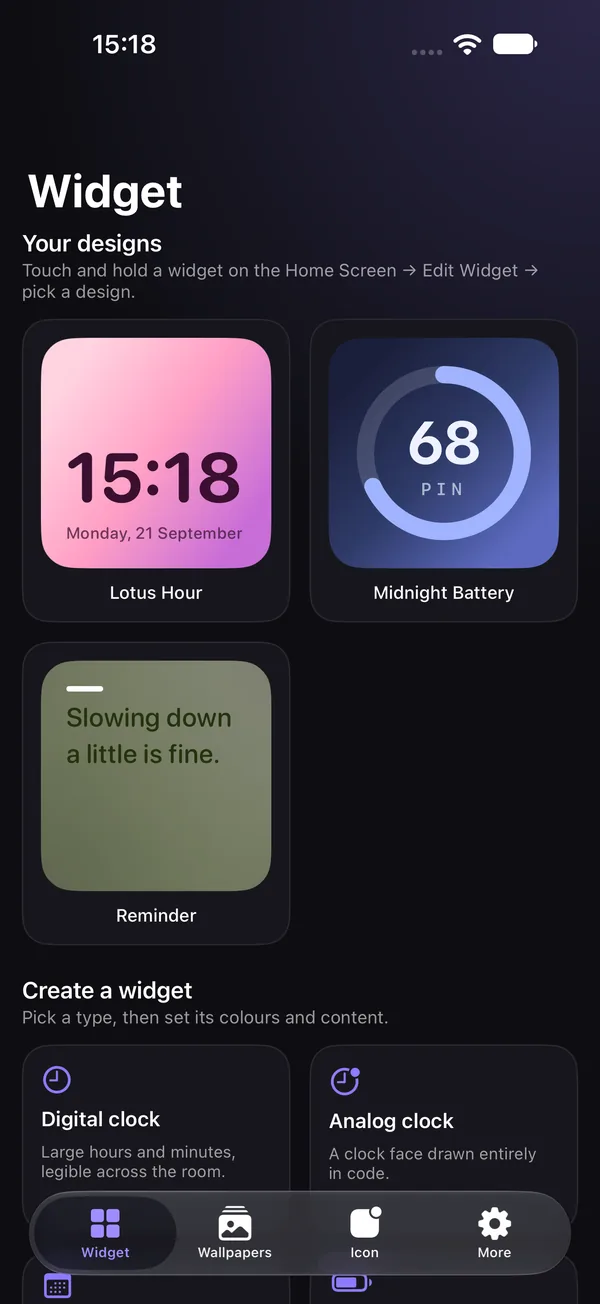
Four tools. One look.
Pick a palette once and carry it across widgets, your Lock Screen, your wallpaper and your icons.
Widgets you design yourself
Choose one of eight widget types, then tune the palette, background, typeface and corner radius until it feels like yours.
- Digital & analog clock, date card, battery ring
- Countdown to any date, a daily note, photo frame
- Month calendar with today highlighted
- Save unlimited designs and swap them from the Home Screen
Made for the Lock Screen too
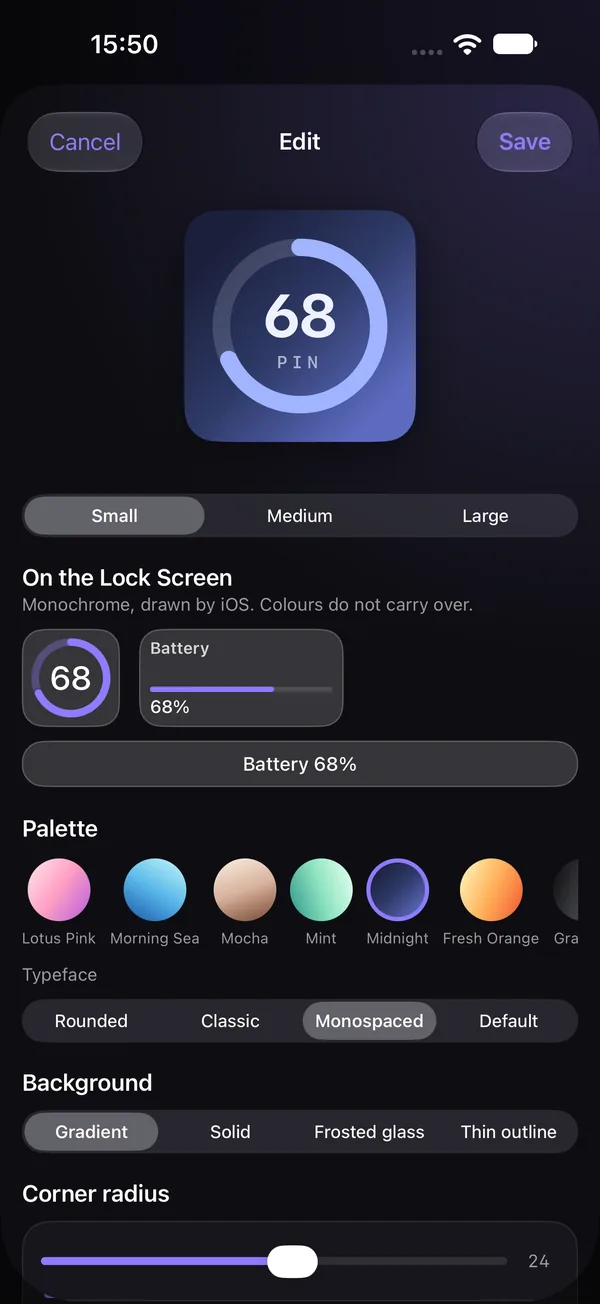
Every design also works in all three Lock Screen slots — circular, rectangular and inline. Each is laid out for its size instead of being shrunk down, so it stays readable in the Lock Screen's monochrome style.
The editor previews all three before you save.
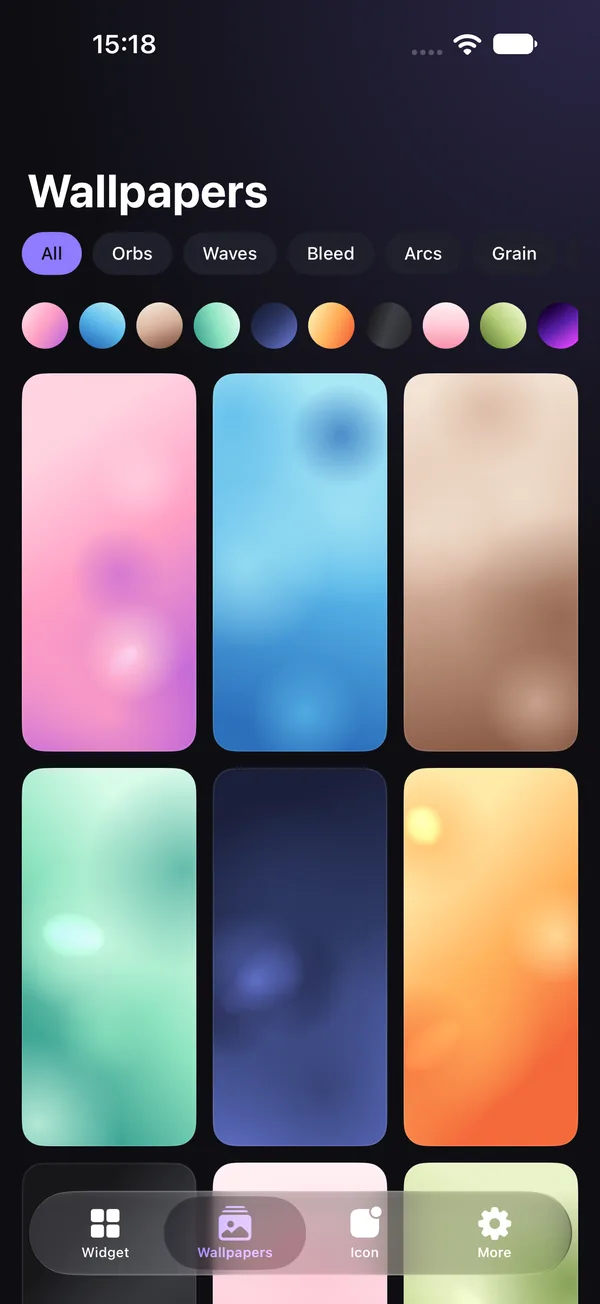
96 wallpapers, drawn on your phone
Eight generative styles — Orbs, Waves, Bleed, Arcs, Grain, Bokeh, Bands and Horizon — across twelve palettes.
- Preview behind a mock Lock Screen to check the clock stays legible
- Shuffle for a fresh layout of the same style
- Save to Photos at your screen's exact resolution
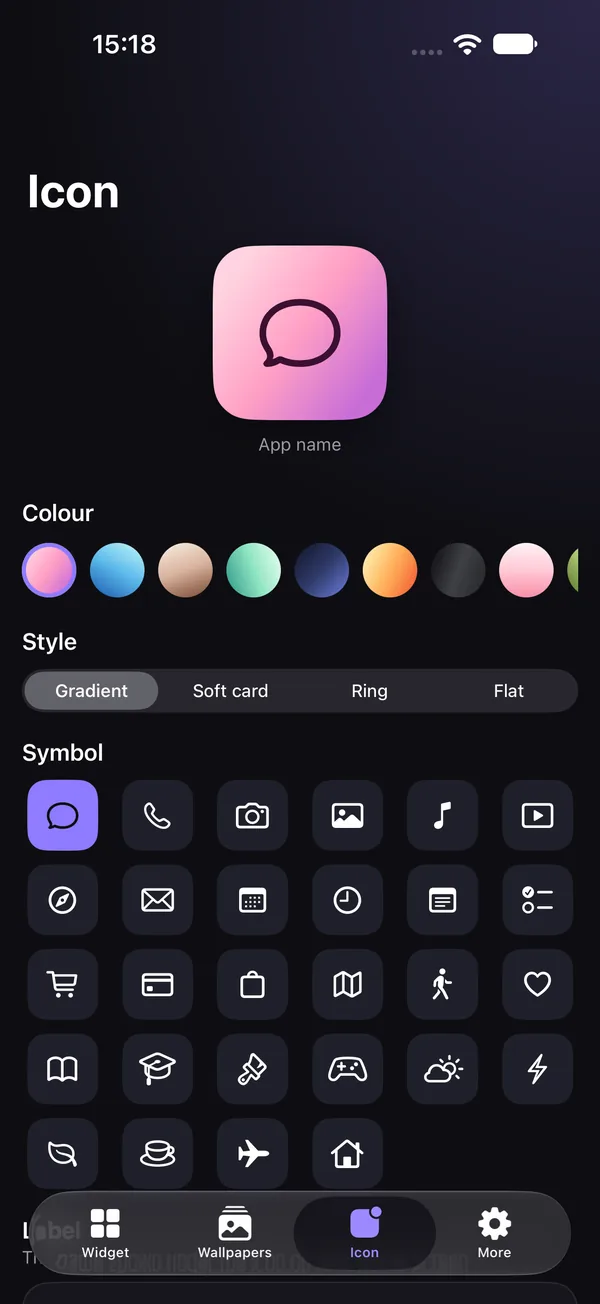
Icon studio
Make a square icon from a palette, one of 28 symbols and four background styles. Save it to Photos and follow the four-step guide to apply it with the Shortcuts app.
Small app. No strings.
Private by design
No accounts, no ads, no analytics, no network calls. Photo access is used only when you tap save.
Actually free
No subscription, no unlocks, no watermark, no cap on saved designs.
Tiny download
Wallpapers are recipes — style, palette and seed — rendered on device. No bundled or third-party artwork.
Questions
Is Duo Themes really free?
Yes. Every widget type, wallpaper and icon tool is free. There is no subscription, no in-app purchase, no watermark and no limit on how many designs you save.
Does it collect any data?
No. There are no accounts, no ads, no analytics and no network calls. Your designs stay on your iPhone. See the privacy policy.
How do I add a widget to my Home Screen?
Design it in the app, then touch and hold an empty area of your Home Screen, tap Edit → Add Widget, search for Duo Themes and pick a size. Touch and hold the widget and choose Edit Widget to switch between your saved designs.
Can it change my app icons automatically?
No app can change another app's icon directly — iOS doesn't allow it. Duo Themes creates the icon image, saves it to Photos, and walks you through applying it with Apple's Shortcuts app.
Which iPhones are supported?
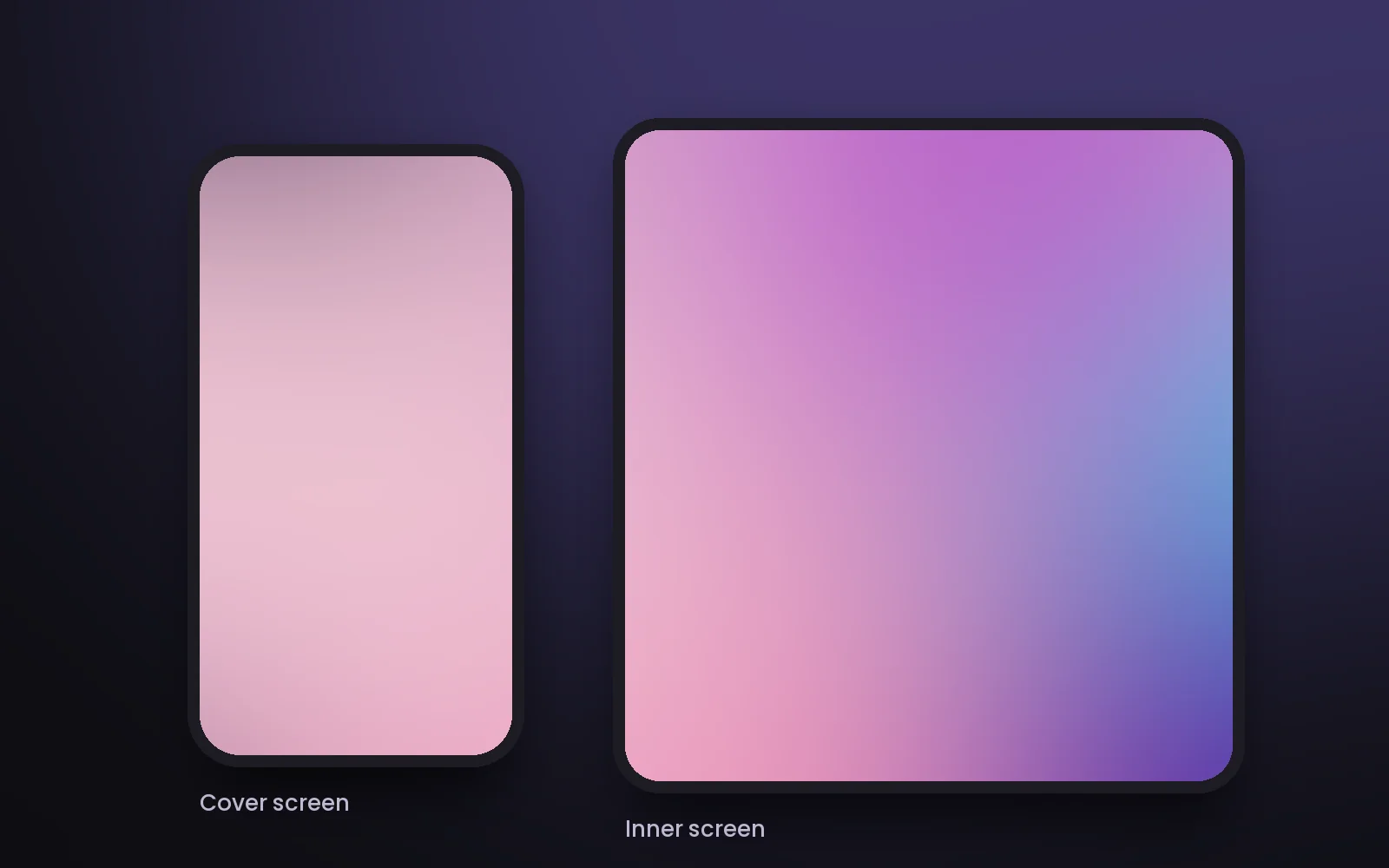
Any iPhone running iOS 17.0 or later. That includes iPhone Duo — here's what that means.